Comparisons · Updated May 2026

Looking for a Joist alternative for solo contractors?

Joist is built around contractor estimates, invoices, payments, and client records. If your bottleneck is the blank estimate itself, EstimateIn10 keeps the job smaller: describe the work, review the draft, and send it.

Phone-first estimating No credit card trial Built for small crews

Plain-English disclosure: Joist is a well-known estimating and invoicing app for contractors. This page is for contractors deciding whether they want a template-driven estimate/invoice workflow or a focused AI estimating tool. Joist is not affiliated with EstimateIn10.

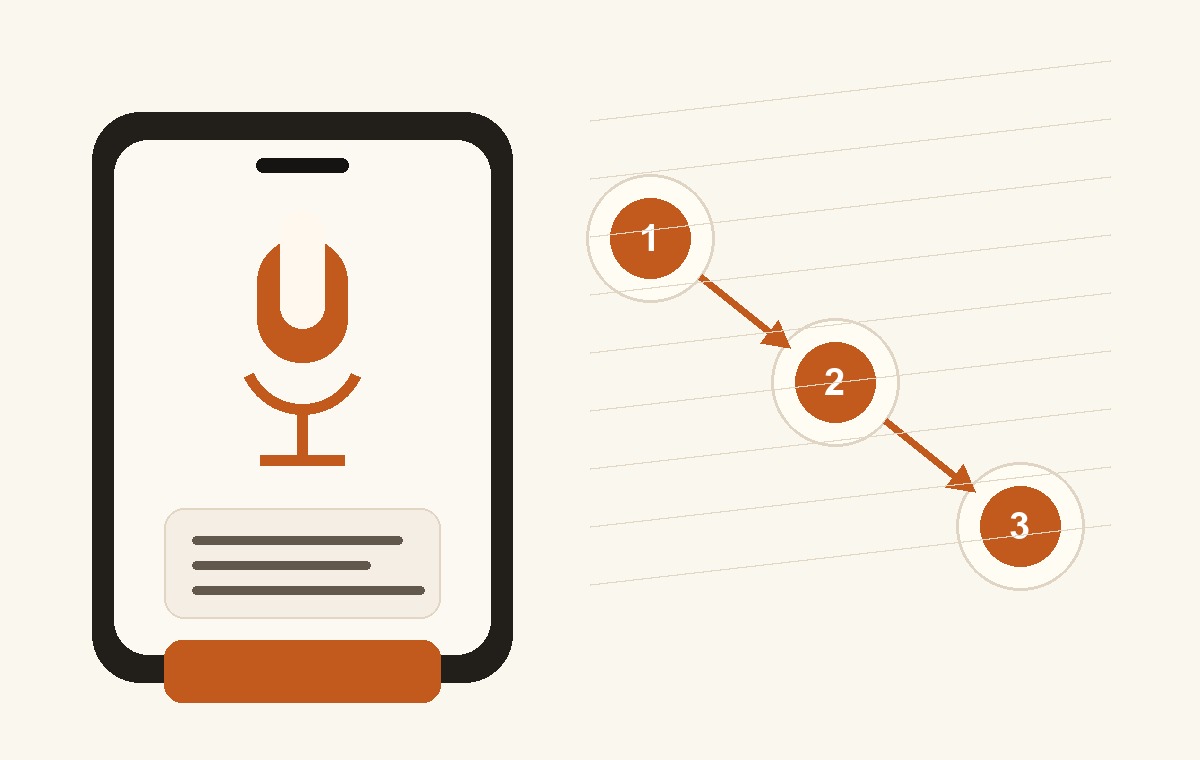
EstimateIn10 workflow illustration: describe the job, review the estimate, then send a client link.
Simplified workflow illustration for jobsite estimating.

Use Joist when templates and invoices are the system. Use EstimateIn10 when the estimate draft is the drag.

That distinction matters. Some contractors want saved items and invoice workflows. Others want the first draft written from a messy jobsite description.

Joist is template-friendly

Joist can make sense when you want a mobile estimating and invoicing app with saved clients, reusable items, payment tracking, and a more structured office workflow.

  • You already know the items and rates you want to reuse.
  • You want estimates, invoices, and payments in one app.
  • You do not mind maintaining templates as your prices change.

EstimateIn10 is narrower

EstimateIn10 focuses on the moment before templates help: the contractor has seen the job, knows the work, and needs the estimate written without sitting down to rebuild it line by line.

  • You are solo or running a small crew.
  • You quote on-site and hate turning notes into line items later.
  • You already have a way to invoice after the job is approved.

Joist vs. EstimateIn10

This comparison is intentionally conservative. Check each vendor's current pricing and feature docs before making a buying decision.

Feature Joist EstimateIn10
Best fit Contractors who want mobile estimates, invoices, payments, and saved client/item workflows. Solo contractors and small crews that want to create estimates quickly from the jobsite.
Estimating workflow Build quotes with saved clients, common items, line items, and reusable pricing structure. Describe the job in plain language, review the draft estimate, adjust as needed, and share a link.
Templates and reusable items Useful when you want to keep commonly used materials, labor rates, and service items organized. Less template work up front. Start from a plain-language job description, then review and adjust.
Invoicing and payments Part of Joist's contractor workflow. Check Joist's current docs for plan details and availability. Use your existing invoicing and payment setup after the estimate is accepted.
Setup burden May involve building and maintaining saved items, prices, clients, and invoice/payment workflow. Designed for quick first-use: open it on your phone and write the next estimate.
Pricing model Check Joist's current website for pricing, plans, and feature availability. Published monthly pricing is listed on EstimateIn10. Limited founding offers may change.
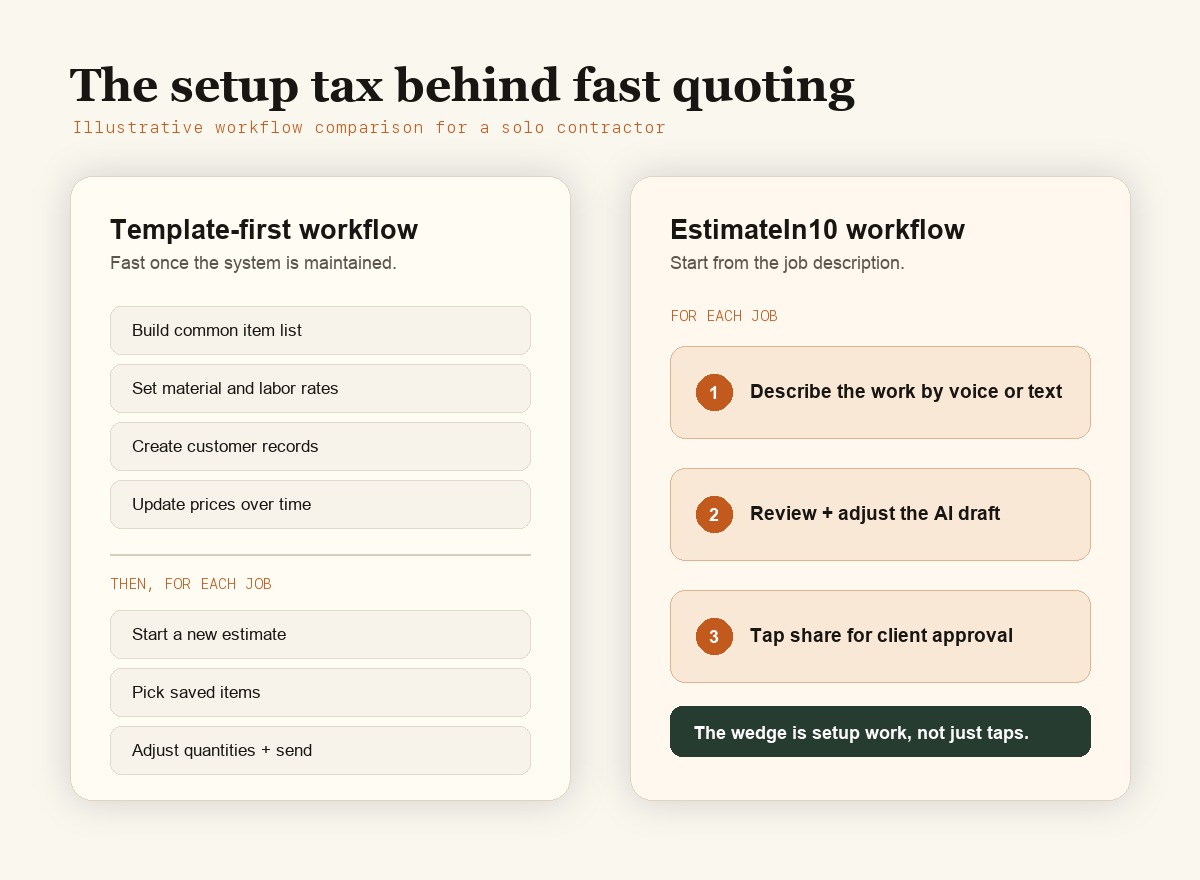
Illustrative comparison between a traditional mobile-first estimating workflow and an EstimateIn10 workflow.
Illustrative setup-tax comparison for a solo contractor writing a jobsite quote.

An honest decision tree

The point is not that one tool is universally better. The point is matching the tool to the job you actually need done.

Stay with Joist if

You want an estimate-to-invoice workflow with reusable items, saved clients, payment tracking, and a familiar template-based system.

Try EstimateIn10 if

You mainly need to turn a walkthrough into a clean estimate quickly, especially when the job does not fit neatly into saved templates.

Run both briefly if

You are unsure. Keep your current workflow intact and use EstimateIn10 only for a few new estimates. The fit should become clear fast.

FAQ

Is EstimateIn10 a full Joist replacement?

No. Joist supports more of the estimate-to-invoice workflow. EstimateIn10 focuses on the estimate draft and client approval link. That narrower scope is the point.

Who is EstimateIn10 best for?

Solo contractors, owner-operators, and small service businesses whose main pain is writing and sending estimates fast.

Does EstimateIn10 do invoicing or payments?

No. If you want estimates, invoices, and payment tracking in one app, compare Joist and similar contractor apps carefully.

Can I use EstimateIn10 with my current invoicing tool?

Yes. Many contractors estimate in one place and invoice in another. EstimateIn10 is designed to fit that lightweight workflow.

Does it work on a phone?

Yes. EstimateIn10 is built for contractors who quote while moving between jobs, not only at a desk.

Can I try it without a credit card?

Yes. Start with a trial and decide whether the estimating workflow fits your actual jobs.

Other comparisons

Choosing software gets easier when you match the tool to the kind of friction you actually have.

Try it on your next quote.

No heavy setup. No new operations platform to adopt. Write one estimate from your phone and decide whether the speed is worth keeping.

Start free